
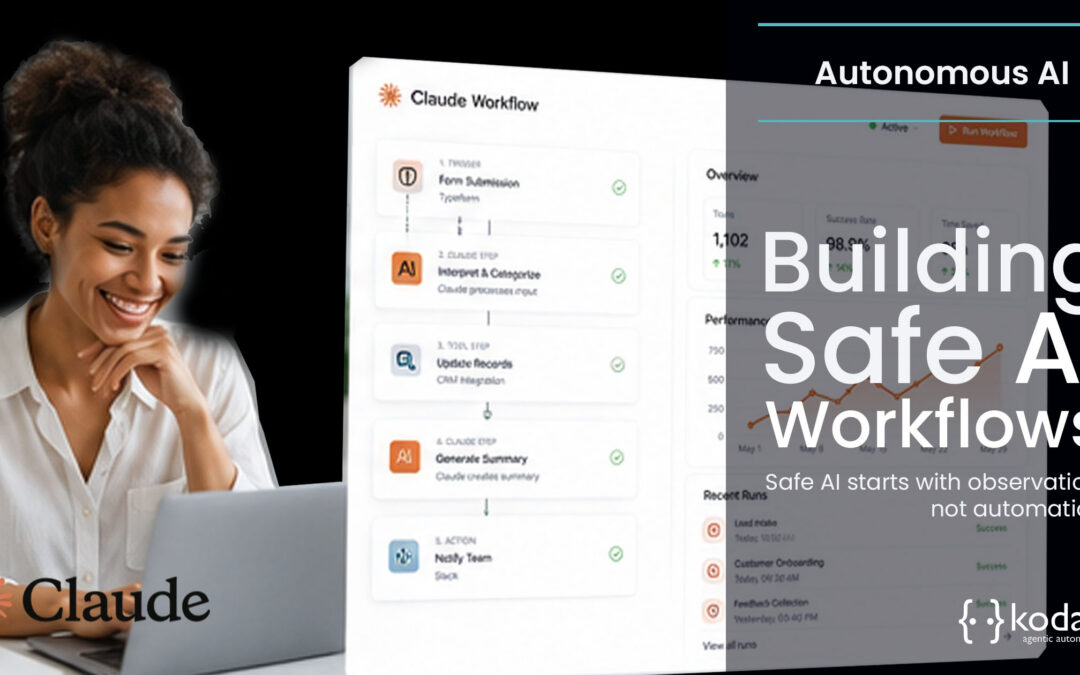
The conversation around AI often starts with what the model can do. From an engineering perspective, we start somewhere else.
What should it be allowed to do?
That question changes everything.
When AI begins reading customer records, creating tasks or updating workflows, capability becomes less important than control. A good AI workflow is not one that surprises you. It is one that behaves consistently, can be explained afterwards and stays inside the boundaries you designed.
At Kodah, we build safe AI workflows around a simple pattern.
Observe. Think. Act.
It is straightforward enough for business leaders to understand and disciplined enough for engineering teams to build against.
AI is moving faster than engineering discipline
Many organisations already have AI working somewhere.
Claude summarises meetings.
An assistant drafts customer responses.
Someone has connected AI to Salesforce or ClickUp to speed up repetitive work.
None of that is unusual anymore.
What is less common is seeing the same level of engineering discipline applied to AI that already exists for customer applications or financial systems.
A workflow goes live. Six weeks later someone asks a simple question.
“Why did the assistant create those tasks?”
Nobody can answer with confidence.
Or an operations manager notices projects appearing in ClickUp with inconsistent timelines because different prompts have gradually evolved over time.
The technology is working.
The engineering around it is not.
Safe AI workflows begin long before an assistant performs its first action.
Safe AI starts with observation, not automation
The temptation is always to begin with automation.
Connect Salesforce.
Connect ClickUp.
Start creating tasks.
Instead, we begin by deciding exactly what the assistant should see.
Most workflows do not require unrestricted access to your systems. Quite the opposite.
If an onboarding assistant only needs opportunity details, customer contacts and implementation milestones, giving it visibility into every account, every project and every finance record simply increases risk without adding value.
That principle shapes everything we build.
Observe only what matters
We design the Observe layer around three priorities.
First, expose only the information required for the workflow.
Second, give assistants structured access through controlled interfaces rather than broad database access.
Third, ensure every AI identity has its own permissions instead of borrowing those of a human user.
A simple example illustrates why this matters.
Imagine a deal closes late on a Friday afternoon.
The onboarding assistant needs enough information to prepare Monday’s project kickoff. It does not need visibility into unrelated opportunities or historical finance records from another business unit.
Giving it less context is often better engineering.
Salesforce and ClickUp in practice
In Salesforce we typically expose only the objects and fields required for a specific workflow.
An onboarding assistant might receive:
- Opportunity details
- Customer contacts
- Implementation dates
- Approved custom workflow fields
Nothing else.
Inside ClickUp we follow the same approach.
The assistant can access the project space linked to onboarding, together with approved task templates, milestones and statuses.
It cannot browse every workspace simply because it exists.
That sounds restrictive.
In reality, it makes assistants more reliable because they spend less time interpreting irrelevant information.
Observation is not about giving AI more data.
It is about giving it the right data.
Thinking should be consistent, not creative
Large language models are naturally probabilistic.
Business operations generally are not.
That is where engineering becomes important.
Rather than asking Claude to improvise, we define the boundaries within which it can reason.
For example, an onboarding workflow might include rules such as:
- Never modify pricing.
- Never create tasks outside the approved catalogue.
- Escalate missing implementation information instead of guessing.
Those instructions are reusable assets that engineering teams can version, review and improve over time.
We also prefer structured inputs and structured outputs.
Instead of asking an assistant to “write an onboarding plan”, we provide a structured Salesforce payload and expect a structured onboarding brief in return.
That makes validation possible before anything happens downstream.
If something falls outside the expected format, the workflow stops.
It does not quietly continue and hope for the best.
One of the biggest shifts we see is organisations moving away from treating prompts as hidden pieces of application logic.
They become governed engineering assets instead.
Actions should be small, predictable and reversible
This is where mistakes become expensive.
Once AI starts writing back into systems, every action needs to behave like a well designed API rather than an enthusiastic intern.
Each tool should do one thing.
Create a project.
Update a task status.
Post an implementation summary.
Nothing more.
Keeping actions narrow has another benefit.
If one workflow starts behaving unexpectedly, you can disable a single capability without affecting everything else.
Imagine an onboarding assistant starts assigning the wrong implementation owner after a configuration change.
With well designed tools, you disable that specific action while allowing the assistant to continue generating onboarding briefs.
Operations keeps moving while engineering investigates.
That is a far better outcome than shutting down the entire assistant.
Guardrails are part of the workflow
Every action sits behind clear constraints.
Permissions determine which workflows an assistant can participate in.
Business rules validate every request before it reaches Salesforce or ClickUp.
Higher risk activities require human approval before anything changes.
None of this is about slowing AI down.
It is about ensuring the right decisions stay with people while repetitive execution becomes faster.
Audit logs are engineering tools, not compliance paperwork
Audit logs often get discussed as compliance requirements.
We see them differently.
They are one of the fastest ways to understand why a workflow behaved the way it did.
Every interaction should tell a complete story.
Which assistant made the request?
What information did it receive?
Which tools did it use?
Which Salesforce records or ClickUp tasks were affected?
What happened next?
Without those answers, improving AI workflows becomes guesswork.
With them, engineering teams can identify patterns, refine prompts and improve workflows with confidence.
Putting Observe, Think and Act together
Take a straightforward onboarding journey.
A salesperson marks an opportunity as Closed Won.
The workflow detects the event.
The assistant receives only the approved Salesforce context for that customer.
It creates an onboarding brief using the agreed business rules.
Engineering validates the output.
Only then does the workflow create the ClickUp project using approved templates and statuses.
Every action is logged.
If something unexpected happens, write access can be disabled immediately while the assistant continues operating in read only mode.
Nothing about this workflow depends on the assistant being perfect.
It depends on the workflow being well engineered.
What engineering teams should prioritise first
When organisations ask us where to begin, our advice is usually simpler than they expect.
Start with one workflow.
Decide exactly what the assistant needs to observe.
Define the business rules before writing prompts.
Keep actions deliberately small.
Log everything.
Build a kill switch before you think you need one.
Only then should you expand into additional workflows.
Trying to connect every system on day one usually creates complexity long before it creates value.
Where this becomes useful
Safe AI workflows are not built by adding more intelligence.
They are built by adding more discipline.
That is why we spend more time talking about engineering patterns than model capabilities.
If your workflows are designed well, assistants become dependable colleagues inside your operations.
If they are not, AI simply makes existing weaknesses easier to scale.
If you are already experimenting with AI inside Salesforce, ClickUp or another operational platform, start with one workflow that matters. Walk through it with your engineering and operations teams. You will usually discover very quickly whether the next investment should be another AI capability or stronger engineering around the one you already have.