
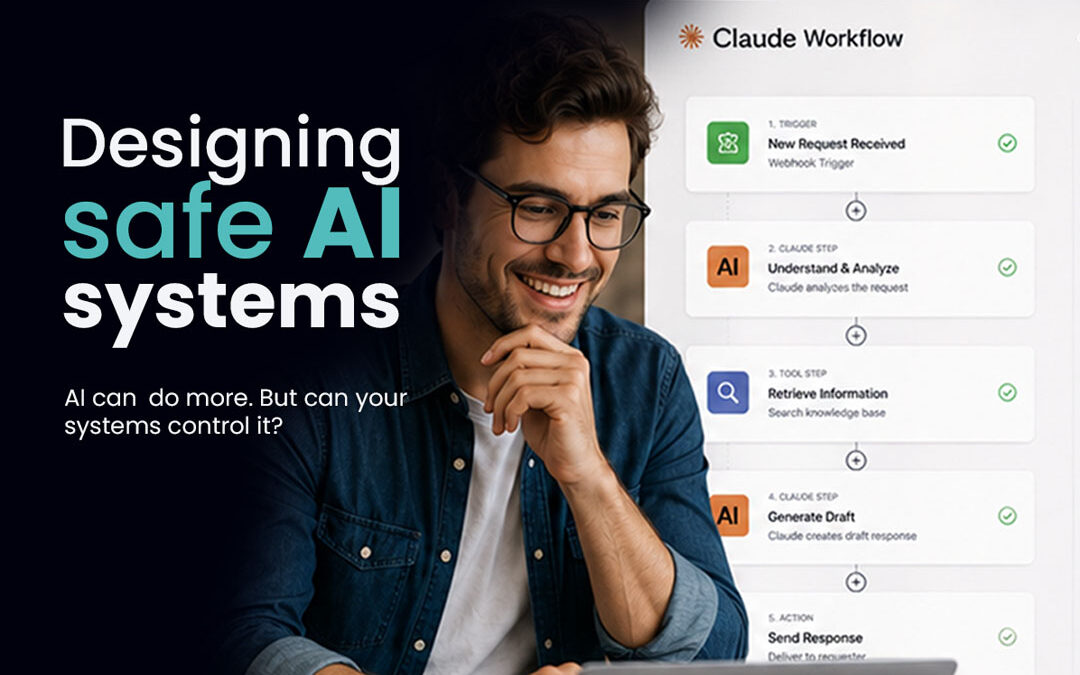
Autonomous AI governance is quickly becoming a board-level concern.
Enterprise AI systems are no longer limited to answering questions or generating content. They can access customer data, trigger workflows, update records and interact with core business platforms.
That creates a new challenge for CIOs.
The question is no longer just, “Can AI do this?”
It is:
“Can we explain, control and defend what AI does when it acts on our behalf?”
Without clear permissions, ownership and deterministic controls, organisations risk creating systems that move faster than their ability to govern them.
Autonomous Behaviour Without Clear Boundaries
Over the last year, AI agents have moved from small experiments into real operational environments.
They can access files, update tickets, trigger processes and communicate with customers. In some cases, they can take actions inside systems that directly affect revenue, customer experience and compliance.
The problem is not that these capabilities exist.
The problem is that many organisations are introducing them without a clear operating model.
The warning signs are familiar:
- Teams create AI agents with broad permissions because it is faster than waiting for formal approval.
- Shadow AI projects appear outside central IT and security oversight.
- No one is clearly accountable when an agent makes the wrong decision.
- Logs are incomplete, making it difficult to understand what happened after an issue occurs.
For a CIO, this represents a different type of technology risk.
Traditional software generally waits for a defined user action. Autonomous systems can interpret information, make decisions and take action with limited intervention.
That means governance cannot simply sit around the technology. It needs to be built into how the technology operates.
Policies Alone Will Not Make AI Safe
Many organisations respond to AI risk by creating policies.
They publish acceptable-use guidelines, define approval processes and add responsible AI statements to governance documents.
Those steps matter.
But policies describe what should happen. They do not necessarily control what an AI agent actually does inside a live workflow.
A safer approach considers three connected layers.
Policy
This defines the organisation’s expectations around AI usage, risk and accountability.
For example:
- Which data can AI access?
- Which decisions require human approval?
- Who owns an AI system after launch?
Architecture
This defines how AI systems, applications and permissions are connected.
For example:
- Which platforms can an agent access?
- What actions can it perform?
- Where are the control points?
Execution
This defines what happens when an agent takes action.
For example:
- What information did the agent use?
- Which rules did it follow?
- Who approved the outcome?
- What was recorded?
Many organisations focus heavily on policy while leaving architecture and execution unclear.
That creates a gap between what the business says AI should do and what AI is actually able to do.
The Kodah Lens: Deterministic Rails
Kodah approaches AI governance through the concept of deterministic rails.
The idea is simple.
AI should have room to reason where flexibility creates value, but strict boundaries where consistency, compliance and accountability matter.
Deterministic rails define:
- Which actions must follow fixed, explainable rules.
- Which decisions can use AI reasoning and recommendations.
- Where human approval is required.
- How permissions and logging are applied.
This is not about limiting AI.
It is about defining where AI can reason and where it must operate within rules the business can understand and defend.
A useful way to think about it:
Claude can suggest the route. The rails determine which roads are available.
Where Deterministic Rails Matter Most
Some workflows naturally require stronger controls.
Compliance-Sensitive Decisions
Examples include:
- Eligibility decisions
- Financial approvals
- Customer disclosures
- Personal data processing
Actions That Change System Records
Examples include:
- Updating customer information
- Changing account status
- Triggering financial or operational processes
Decisions That May Need to Be Explained Later
A regulator, customer or board member may ask:
What information did the system use?
What rules did it follow?
Why did it take that action?
In these situations, AI can support the decision. But the workflow should have a clear, traceable framework around it.
How Salesforce, ClickUp and Claude Can Work Together Safely
Consider a common enterprise setup:
- Salesforce as the customer and revenue system of record
- ClickUp as the operational workflow platform
- Claude as a reasoning layer connected through tools such as Model Context Protocol
The goal is to automate more work without losing control.
Here is what that could look like in practice.
Scenario 1: AI-Assisted Customer Record Updates
Imagine an agent reviewing customer activity across Salesforce and ClickUp.
It notices that a customer’s requirements have changed and recommends updating their account information.
Without deterministic rails:
- The agent writes directly into Salesforce based on its own interpretation.
- A technical account has broad permissions across customer records.
- Nobody can easily see why the change happened or who approved it.
With deterministic rails:
- The agent can only suggest changes to approved fields.
- Sensitive updates require human approval before they are applied.
- Every recommendation is logged with the source information, model version and approval history.
Claude provides the reasoning.
The rails determine whether the action is allowed.
The result is faster decision support without losing accountability.
Scenario 2: AI-Generated Tasks and Projects in ClickUp
Now imagine an agent creating ClickUp tasks from Salesforce events.
Without governance, a small CRM update could create unnecessary tasks. The agent might assign work incorrectly or create inconsistent project structures.
The result is more automation but less clarity.
With deterministic rails:
- Only defined Salesforce events can trigger ClickUp actions.
- Approved templates determine how projects should be created.
- Permission rules control who can assign work and change priorities.
- Higher-risk projects require human review.
For example, a Closed Won enterprise deal might require approval before generating a full implementation plan.
A simple internal follow-up task could be created automatically.
The difference is not whether AI acts.
The difference is whether AI acts inside a system the business understands.
Scenario 3: Building Safer AI Identities and Permissions
Underneath every AI governance strategy is a simple question:
Who is this agent, and what is it allowed to do?
Strong enterprise AI governance requires:
- Dedicated identities for AI agents linked to an accountable owner.
- Role-based access that limits what each agent can view or change.
- Short-lived credentials instead of permanent API keys.
- Centralised logging that security teams can monitor.
A useful comparison is an employee joining a company.
You would not give a new employee access to every system on day one.
AI agents should be treated with the same discipline.
Their access should match their role.
Their actions should be traceable.
Where CIOs Should Start
Safe AI adoption can feel overwhelming because it touches technology, security and operations at the same time.
A practical starting point is to focus on one workflow and build from there.
Identify Where Autonomous Behaviour Already Exists
Look across Salesforce, ClickUp and other core systems.
Where are AI tools, scripts or automations already making decisions or taking actions?
Map the Workflows Those Systems Touch
Document:
- What is the business goal?
- What information does the system use?
- What actions can it take?
- Who owns the outcome?
Separate AI Reasoning From Fixed Rules
Decide where flexibility creates value and where consistency matters more.
For example:
AI can summarise a customer issue.
A deterministic rule can decide whether a record update requires approval.
Build Rails Around One High-Value Workflow
Start somewhere meaningful.
Examples include:
- Customer record updates
- Sales-to-operations handoffs
- Internal service workflows
Create clear permissions, approvals and logging before expanding.
Align Permissions With the Operating Model
Review agent identities, access levels and credentials.
The system should only allow actions that match the controls you have designed.
Expand Once You Can Explain What Happened
The goal is not to eliminate autonomy.
The goal is to reach a point where you can answer:
What did the system know?
What rules did it follow?
Why did it take that action?
If you can explain those answers, you have a stronger foundation for scaling AI with confidence.
See Deterministic Rails in Practice
If you want to explore what safe AI architecture looks like in real workflows, join the Masterclass.
We will walk through practical examples of AI governance, permissions and deterministic rails across systems such as Salesforce and ClickUp, with Claude acting as the reasoning layer.
You will leave with a clearer view of where AI can safely operate, where human oversight matters and what the first version of a governed AI system could look like in your own environment.